Continuous glucose monitors and finger-stick meters each have strengths. How they differ, who benefits from each, and how to bring the data together in one place.
When it comes to checking blood sugar, you have two main tools: the traditional finger-stick meter and a continuous glucose monitor (CGM). They aren't really rivals - each does something the other can't, and many people use them together.
In this article
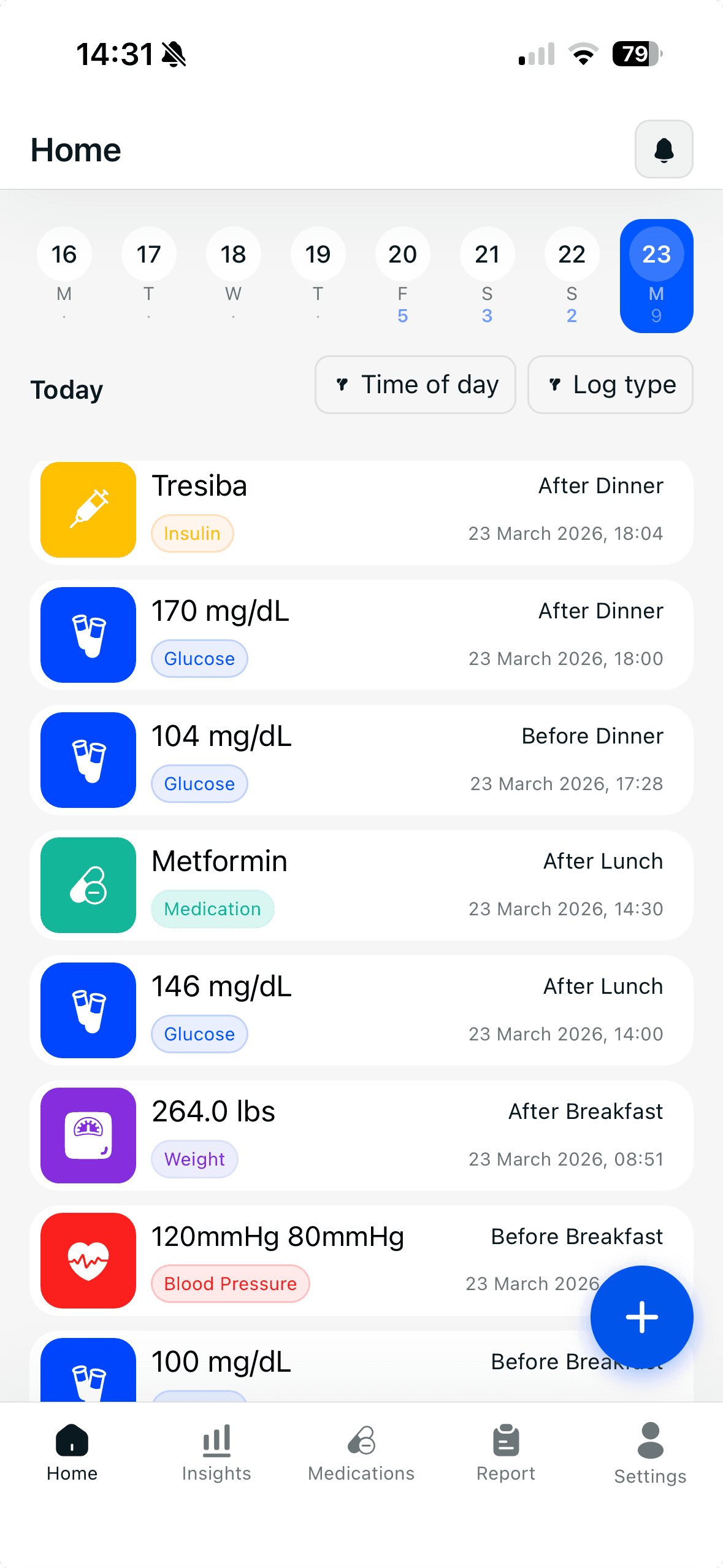
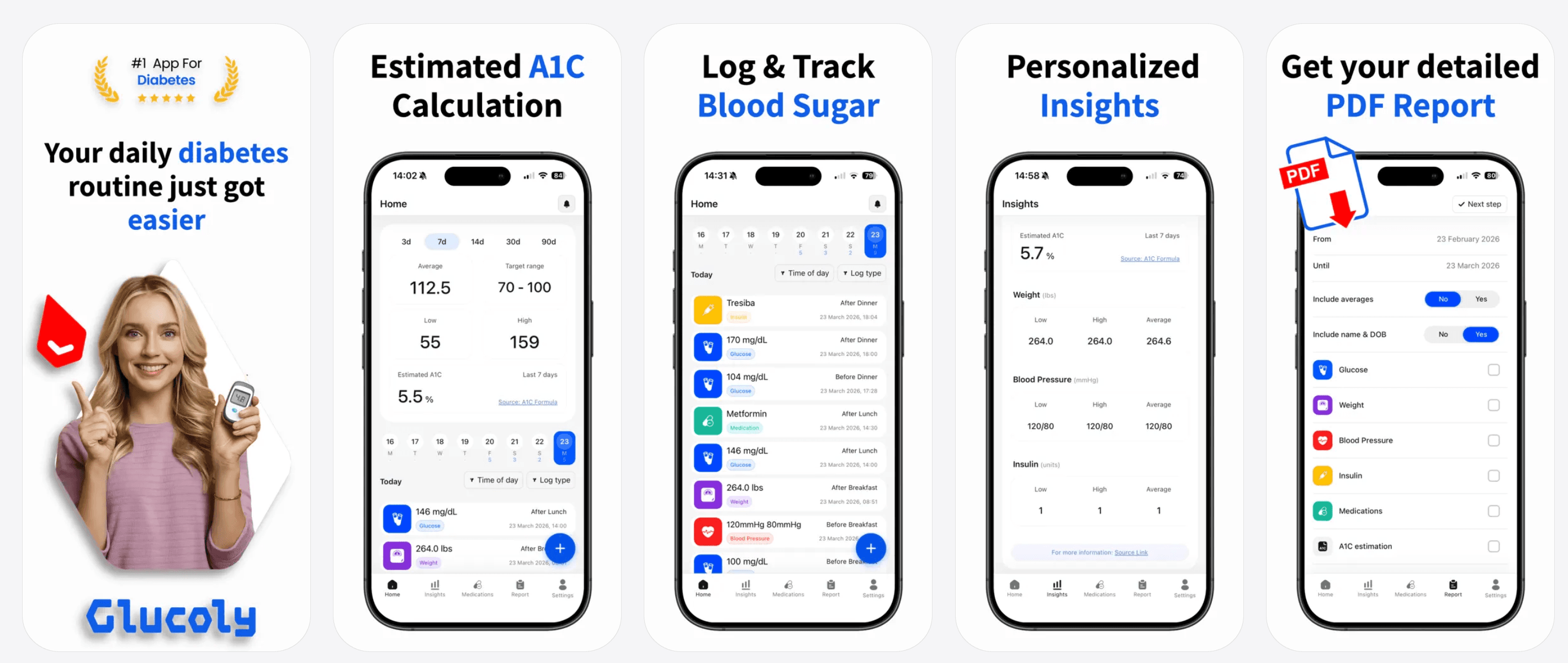
Glucoly works with both: log finger-stick readings by hand or sync CGM data from Apple Health - free on the App Store and Google Play.
Download GlucolyHow finger-stick testing works
A finger-stick meter measures the glucose in a drop of blood at a single moment. It's inexpensive, widely available, and accurate for that instant. The trade-off is that it only shows one point in time, so quick changes between checks go unseen.
How a CGM works
A CGM uses a small sensor worn on the body to read glucose in the fluid just under the skin, automatically, every few minutes. Instead of isolated dots, you get a continuous curve - including the direction your glucose is heading and overnight patterns you'd otherwise miss.
Strengths and trade-offs
- Finger-stick: low cost, no wearable, precise at the moment - but manual and only a snapshot.
- CGM: continuous data, trend arrows, alerts for highs and lows - but more expensive and not right for everyone.
- Both can complement each other: a finger-stick is still useful to confirm a reading or when a CGM is between sensors.
Which is right for you?
The best choice depends on your type of diabetes, how often your levels swing, your treatment plan, and cost and coverage. Someone on intensive insulin who experiences frequent lows may benefit greatly from a CGM, while others do well with targeted finger-stick checks. Your care team can help you decide.
Bring the data together
Whichever method you use, the value comes from seeing the numbers in context. Glucoly lets you log finger-stick readings manually and also syncs glucose data from Apple Health, so readings from a connected CGM or other apps flow in automatically - then it turns everything into averages, an estimated A1C and a doctor-ready report.
This article is for general education and is not medical advice. Talk to your healthcare provider about the monitoring approach that fits your needs.
Frequently Asked Questions
Is a CGM more accurate than a finger-stick meter?
Both are accurate for their intended purpose, but they measure different things. Finger-stick meters measure glucose in capillary blood at a single instant and are the regulatory gold standard for calibration and clinical decisions. CGMs measure glucose in interstitial fluid (the fluid surrounding cells) every few minutes - there is typically a 5–15 minute lag compared to blood. For trending and detecting overnight patterns, CGMs are invaluable. For precise point-in-time readings - such as confirming a low before treating - a finger-stick check is often recommended.
Who should use a continuous glucose monitor?
CGMs are particularly beneficial for people with type 1 diabetes, those on intensive insulin therapy, anyone who experiences frequent hypoglycemia or hypoglycemia unawareness, and people whose blood sugar fluctuates significantly. They are also increasingly used by people with type 2 diabetes and those with prediabetes who want more visibility into their glucose patterns. Coverage by insurance or national health programs varies widely - your care team can help you determine whether a CGM is appropriate and covered for your situation.
Can I use a CGM without a prescription?
In some countries, including the United States, certain CGM systems are now available over the counter without a prescription - the Dexcom Stelo and Abbott Lingo are examples aimed at people without insulin-treated diabetes. Traditional CGMs like the Dexcom G7 and Freestyle Libre 3 still typically require a prescription and may be covered by insurance for people with diabetes. Availability and access rules differ by country, so check with a local pharmacy or your healthcare provider for guidance.
Sources
- American Diabetes Association. Continuous Glucose Monitoring. diabetes.org/health-wellness/devices-technology/cgms
Keep finger-stick and CGM data in one clear picture with Glucoly - free on iOS and Android.
Download GlucolyShare this article
Related Posts
4 Free Diabetes Calculators to Bookmark in 2026
Blood sugar converter, A1C calculator, insulin correction factor, and carb counter — free online tools for dia…
Read more →DiabetesBest Diabetes Tracking Apps of 2026 (Reviewed & Ranked)
The top diabetes tracking apps of 2026 compared — Glucoly, mySugr, Dario, Glucose Buddy, and One Drop ranked b…
Read more →DiabetesGlucoly vs Dario: Diabetes App Comparison 2026
Glucoly vs Dario: compare a free multi-metric diabetes app to a connected glucometer platform. Find out which…
Read more →